
Building AI agents on Microsoft
A founder’s guide to choosing the right stack

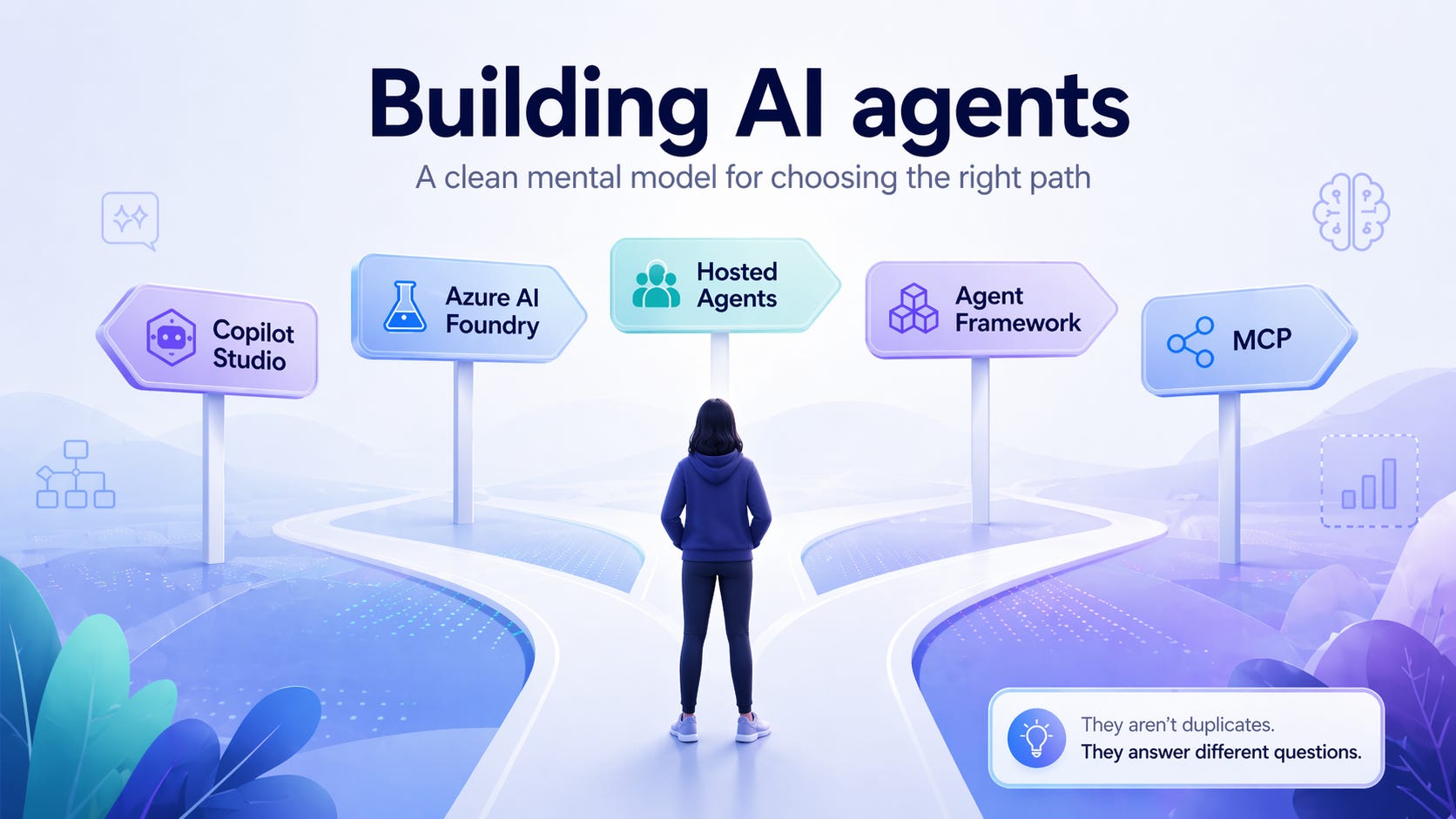
If you’re building an AI‑powered product on Microsoft, you’ll quickly run into a confusing set of options:
Copilot Studio
Azure AI Foundry
Hosted Agents
Agent Framework
MCP (Model Context Protocol)
They aren’t duplicates. They answer different questions.
This guide gives you a clean mental model so you don’t over‑engineer early or worse, have to rewrite later.
Decide what you are building first
Before picking tools, answer this: Is this a productivity assistant, or a product feature?
That answer determines almost everything.
When Copilot Studio is the right choice
Copilot Studio is Microsoft’s low‑code, SaaS platform for building copilots that live inside Microsoft 365.
Use Copilot Studio when:
The agent lives mainly inside Teams or Microsoft 365
The goal is employee productivity
You want to move fast with low‑code
Typical tasks are:
Q&A over SharePoint or OneDrive
Triggering workflows with Power Automate
Guiding employees through internal processes
Ownership sits with IT or business teams
Great for: HR bots, IT helpdesk copilots, internal knowledge assistants
Not designed for: SaaS products, deep backend logic, or complex autonomous behavior
👉 Copilot Studio vs. Microsoft Foundry
FAQ: Copilot Studio
Do we control the orchestration deeply?
No. Those are abstracted to keep the experience simple and safe.
Does Copilot Studio replace Foundry?
No. Microsoft positions them as complementary, not substitutes.
When Azure AI Foundry is the right choice
Azure AI Foundry is Microsoft’s developer‑centric platform for building and running production AI agents.
Use Foundry when:
You’re building a real product or platform
Customers rely on the agent as part of their workflow
The agent needs to:
Call real APIs and backend systems
Run multi‑step or autonomous workflows
Maintain state or long‑term memory
Be evaluated, monitored, and versioned
You need control over models, cost, latency, networking, and security
👉 What is Microsoft Foundry Agent Service?
FAQ: AI Foundry
Is Foundry only for large enterprises?
No. Many startups choose Foundry early to avoid rebuilding their architecture later as scale, governance, and reliability requirements grow.
Can Foundry agents be used in Teams?
Yes. Foundry agents can be published to Teams and Microsoft 365 Copilot as first‑class experiences
Hosted Agents: less infrastructure, same control
Foundry supports hosted agents, which remove much of the infrastructure burden while keeping developer control:
Microsoft manages runtime, scaling, identity, and isolation
Agents can keep persistent state and memory
Built‑in security, observability, and governance
You still own the logic, tools, data access, and product behavior
For founders, this means:
You can build a real, production‑grade AI product without running your own agent infrastructure.
👉 Hosted Agents in Azure AI Foundry
👉 Deploy your first hosted agent
“But our customers use it via Teams in their tenant...”
This is one of the most common points of confusion and a completely valid concern.
Where an agent is used is not the same as where it should be built or run.
Teams is often just the UI surface.
If the agent is:
Business‑critical
Integrated with real backend systems
Part of a commercial product offering
Shared across multiple customers
then the agent logic should live outside the customer’s tenant, typically in Azure AI Foundry, and be published into Teams.
Teams becomes the UI surface, not the control plane.
This is a first‑class, Microsoft‑supported pattern:
👉 Publish Foundry agents to Microsoft 365 Copilot and Teams
FAQ: Agents accessed via Teams
Who owns the agent logic and updates?
Your product team does. By hosting the agent in Azure AI Foundry:
You control agent behavior, skills, models, and updates
You can roll out changes without redeploying into every customer tenant
Customers experience the agent through Teams, but do not own its internal logic
This separation is intentional and enables product scalability.
How does identity and security work across tenants?
Foundry‑hosted agents use managed identities and publishing scopes so that:
Each interaction in Teams is authenticated
Backend systems remain protected
Identity is handled at the platform level rather than embedded in prompts or code
When should an agent live inside the customer tenant?
Embedding the agent directly in the customer tenant (for example, with Copilot Studio) makes sense when:
The agent is internal only
It is configured and owned by the customer’s IT or business teams
Customization per tenant is expected
For customer‑facing products, centralizing the agent in Foundry is typically the better choice.
Where the Agent Framework fits (this is the key)
Here’s the missing piece most founders struggle with.
If Copilot Studio and Foundry answer where the agent runs, Agent Framework answers how the agent is built.
What is Microsoft Agent Framework?
Microsoft Agent Framework is the developer framework that defines how an AI agent actually behaves.
It’s the layer where agent intelligence lives: the logic that determines how an agent reasons about a task, plans its next steps, decides which tools to call, maintains context over time, and coordinates with other agents when needed. In other words, this is where an agent stops being “just a prompt” and becomes a system.
At a high level, Agent Framework is:
Code‑first, designed for developers rather than low‑code authors
Model‑agnostic, working with Foundry models and other supported providers
Built for both single‑agent and multi‑agent systems
The successor to Semantic Kernel and AutoGen, consolidating those ideas into one supported framework
👉 Read more about the Agent Framework.
MCP (Model Context Protocol), explained simply
As agents grow, they need access to many tools and systems.
Model Context Protocol (MCP) is an open standard supported by Foundry that makes this sane.
In plain English: MCP is a universal adapter for AI tools.
With MCP:
Tools expose a standard interface once
Agents can discover and use them without custom glue code
The same tool can be reused across agents and products
Azure AI Foundry has native MCP support
You don’t need MCP on day one but adopting Foundry + Agent Framework keeps the door open as your product grows.
👉 Connect agents to MCP servers
👉 Using MCP tools with Foundry Agents
Why evaluation, observability, and identity matter
Once agents move from demos to real workflows:
You need to measure quality, latency, and cost
You need to detect regressions as prompts, skills, and models evolve
You need clear identity and permissions when agents take action on real systems
Azure AI Foundry and Hosted Agents adress these concerns at the platform level, something prompt‑only approaches struggle with as soon as usage grows.
Common anti‑patterns to avoid
Starting with Copilot Studio for a customer‑facing product feature
Encoding business logic in prompts instead of skills
Treating tool calls as strings rather than capabilities
Deferring evaluation and observability until after customers go live
Most painful rewrites come from these early decisions.
A simple rule of thumb to remember
For product teams building real AI capabilities, the architecture usually converges to something like this:
Agent Framework → build agent behavior
Azure AI Foundry → run and govern agents
Hosted Agents → offload infrastructure
MCP → standardize skill and tool access
Copilot Studio (optional) → Teams / Microsoft 365 user experience
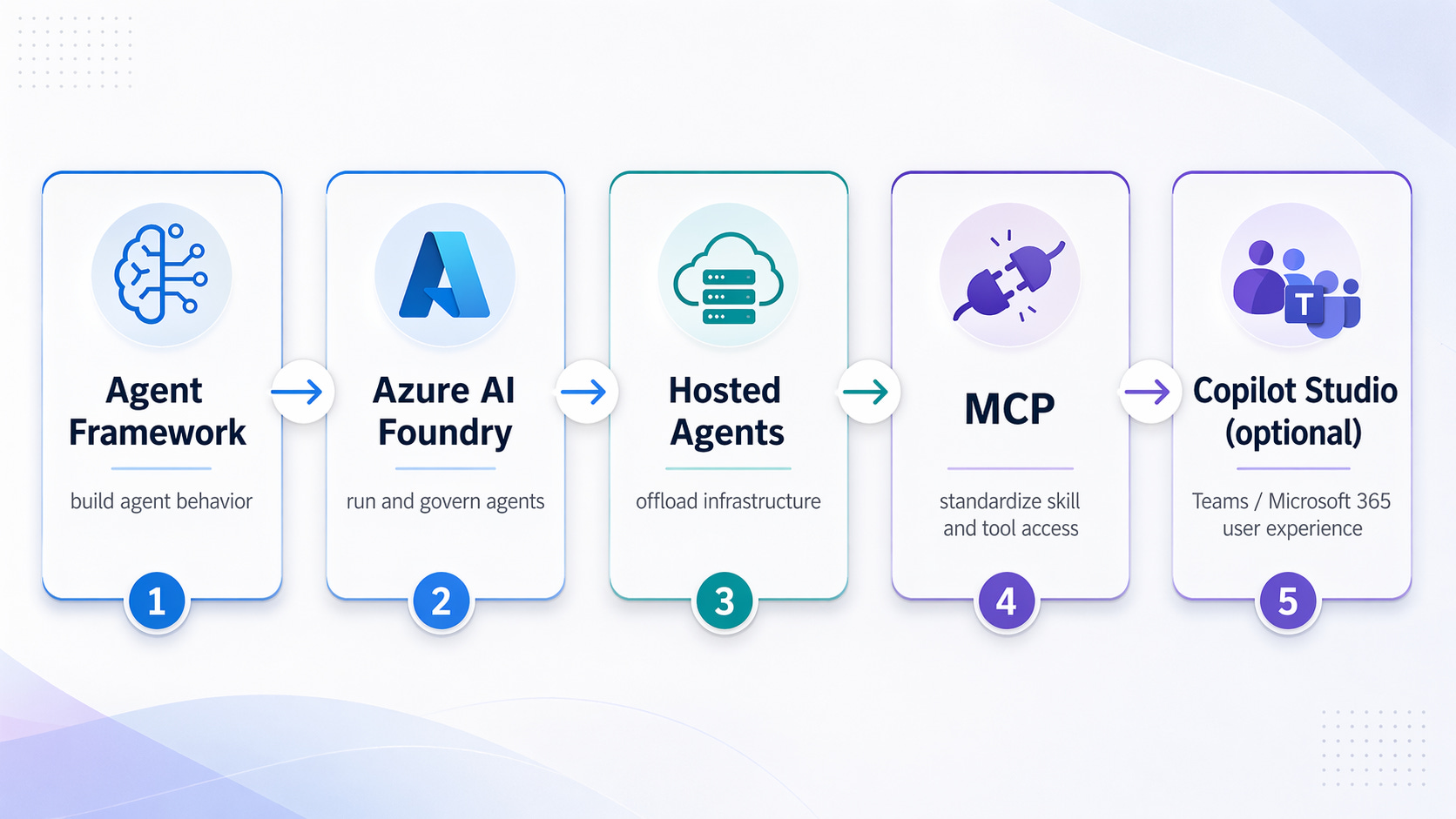
If this is a customer‑facing product, start with Foundry and expand upward and not the other way around.
That choice alone will save you time, rewrites, and painful conversations later.